
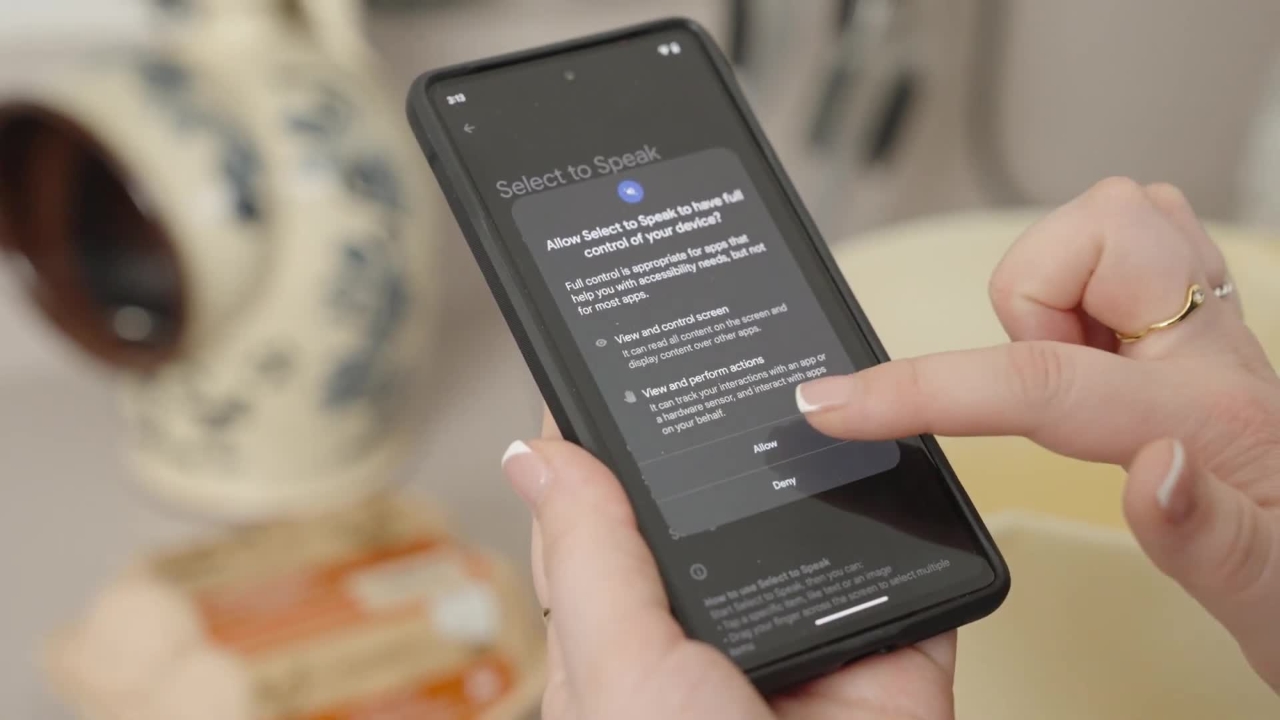
How to use Select to Speak descriptions Android
Did you know you can use Select-to-Speak on your Android device? This is useful if you want to be able to hear what's being displayed on your screen.
Did you know you can use Select-to-Speak on your Android device? This is useful if you want to be able to hear what's being displayed on your screen.
1
Step 1 of 5
Where is my text. I can’t see what I’m typing.
2
Step 2 of 5Did you know you can use Select-to-Speak on your Android device? This is useful if you want to be able to hear what's being displayed on your screen.
3
Step 3 of 5To enable this feature, go to Settings, Accessibility and turn on the Select-to-Speak function.book
4
Step 4 of 5You can use the Select-to-Speak function in a few ways.hehehe
5
Step 5 of 5You can either press the Play button to hear the whole screen or tap an item on the screen to hear a specific thing or touch and drag on your screen to hear the selected items.